QBox Player
QBox Player plays and organizes music stored on your device — no account, no streaming. Build playlists, replay favorite sections, and share selected tracks with friends through QR-based Drops.
- Platform
- Android
- Price
- Free
- Account
- Not required
01Listening
Play the music already on your device
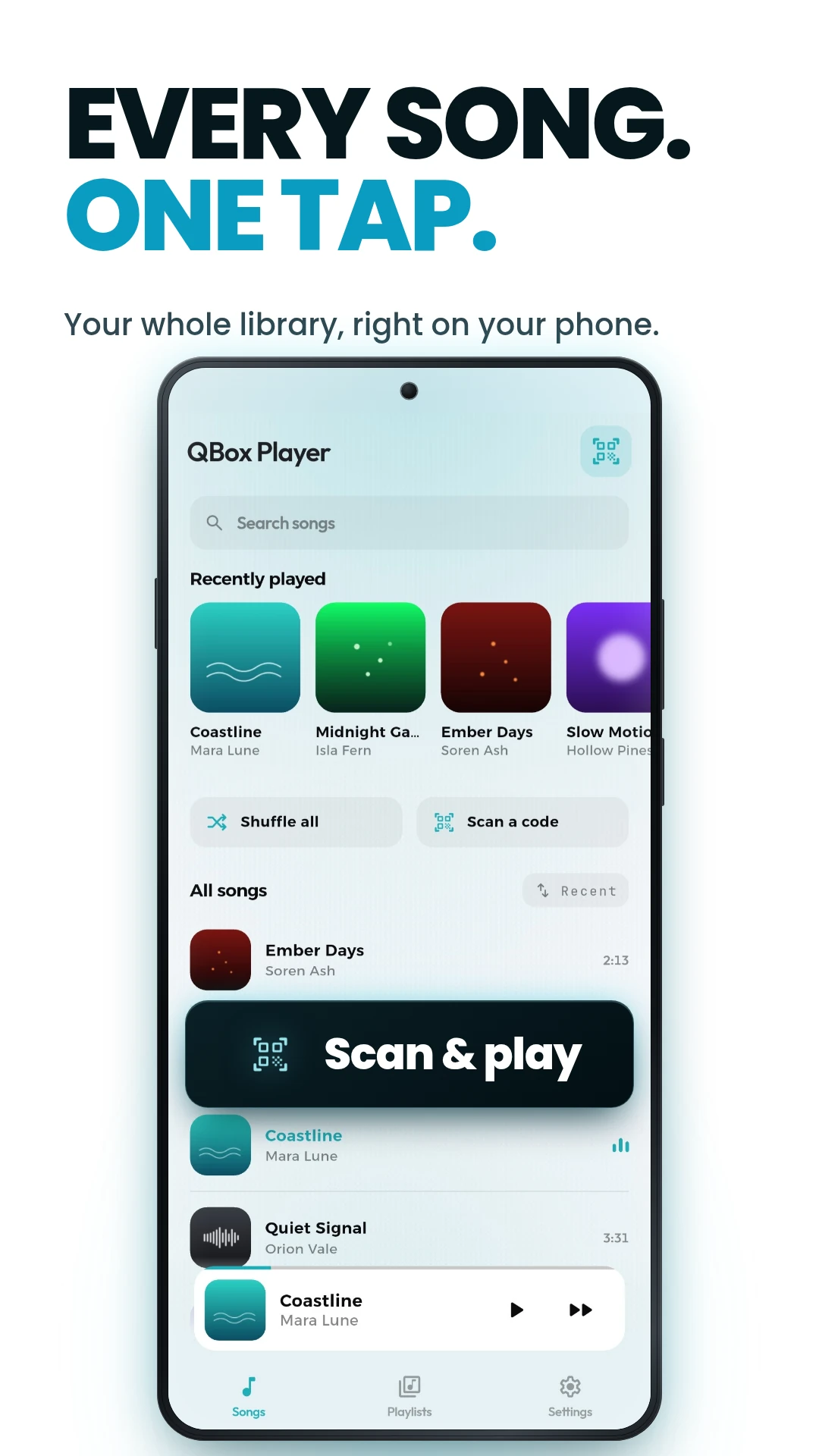
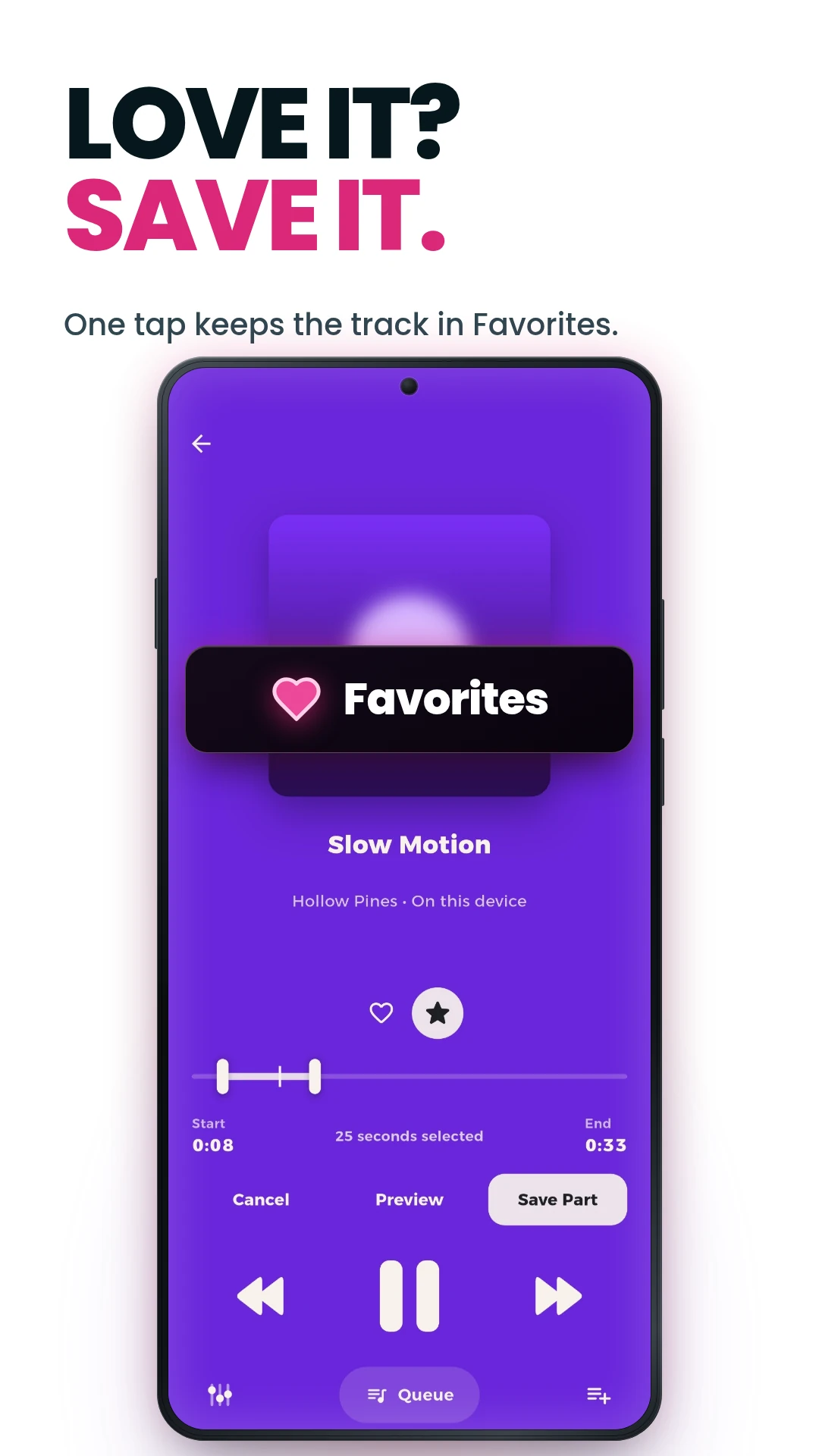
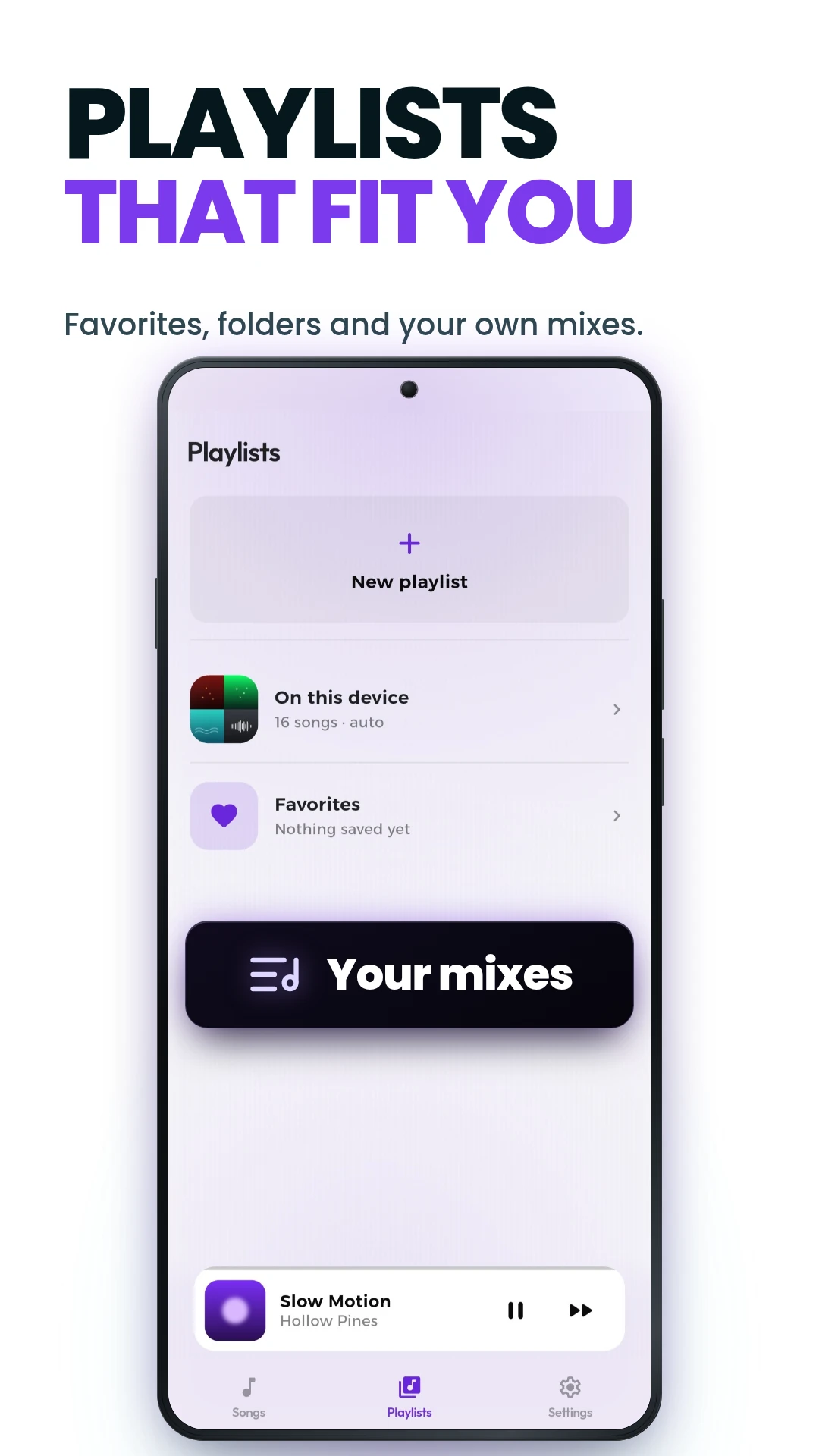
QBox Player reads the audio stored on your phone and plays it with no connection and no account. Browse your library, build playlists, and replay the sections of a song you come back to most.
02QR Drops
Share tracks with a friend using a QR code
- 01
Select songs
Choose the tracks you want to share from your library.
- 02
Create a Drop
QBox bundles your selection into a shareable Drop.
- 03
Share the QR code
Send the Drop’s QR code to a friend, on screen or as an image.
- 04
Scan it in QBox
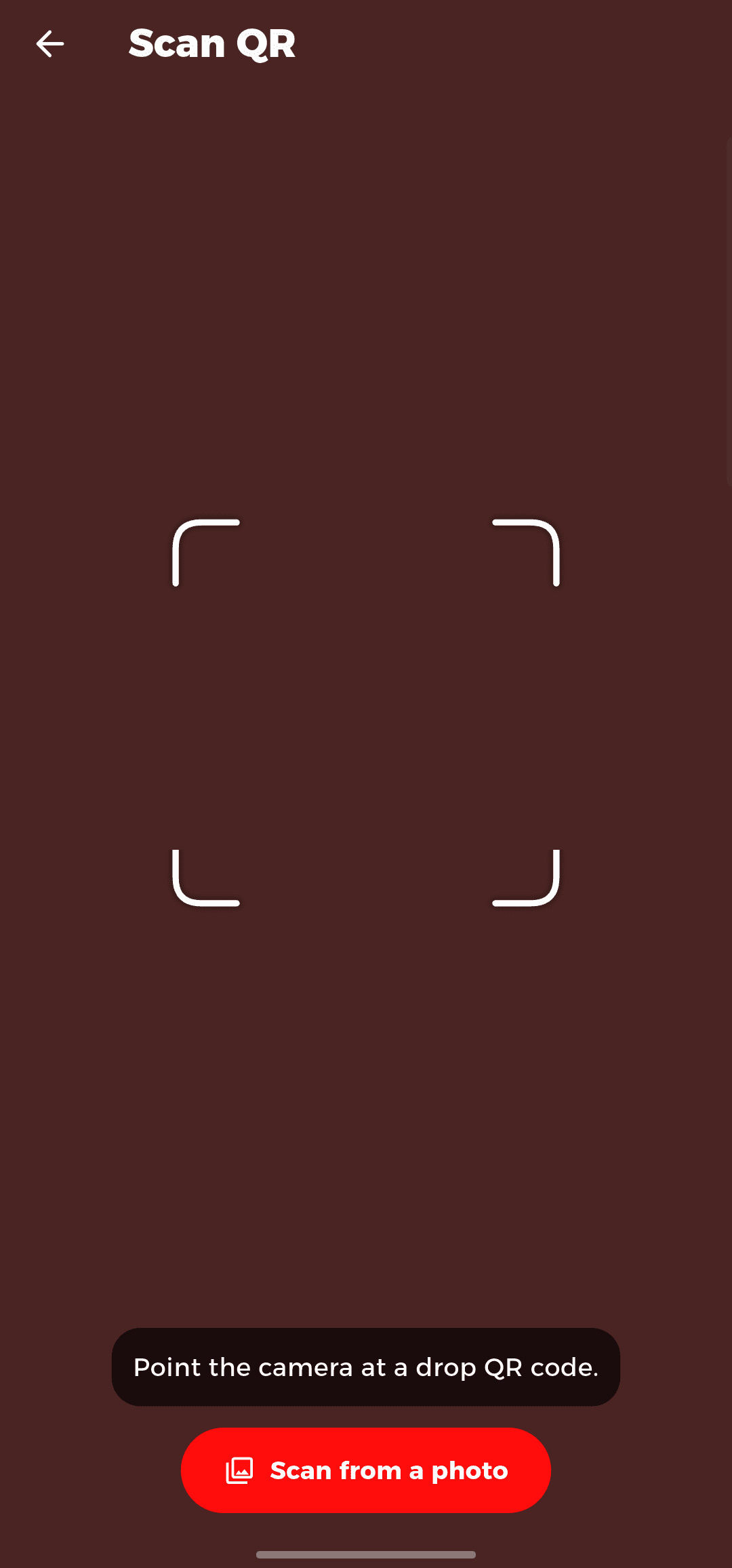
They scan the code with QBox Player’s built-in scanner.
- 05
Receive the tracks
The shared songs download into their QBox library.
You are responsible for having the right to share any content you distribute. Only share audio you own or otherwise have permission to share.
03Personalization
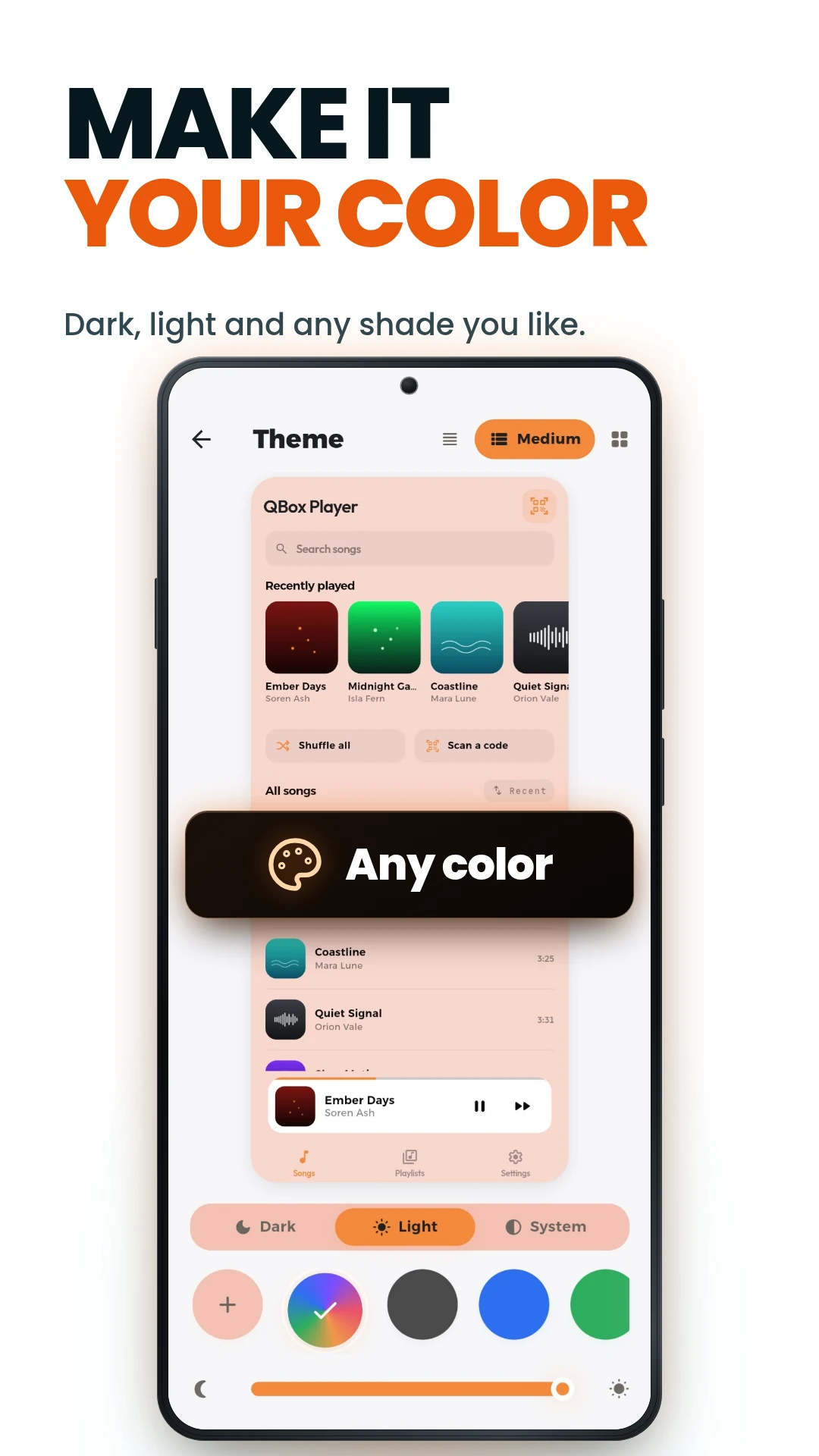
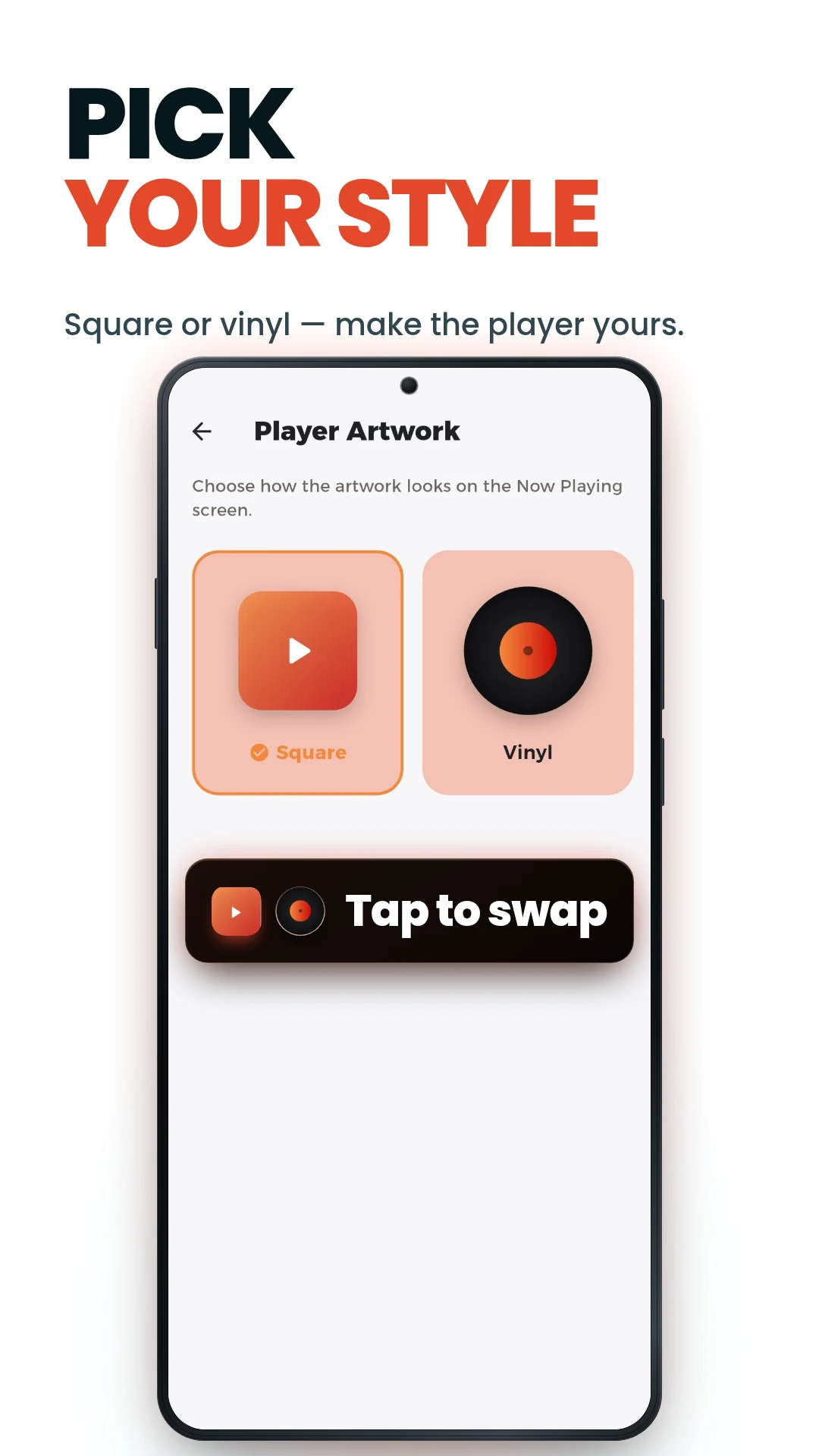
Set the layout, theme, and player to your taste
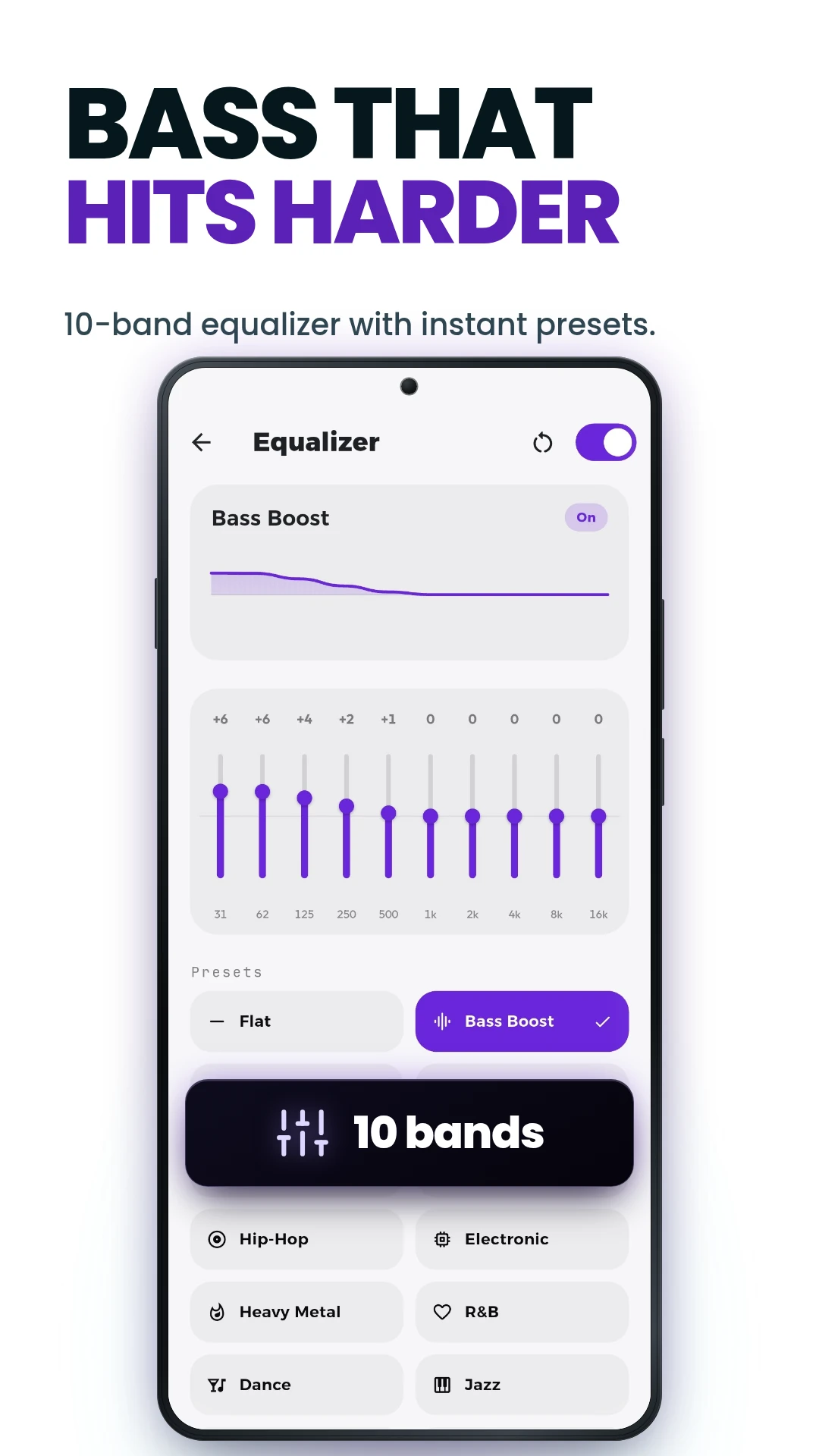
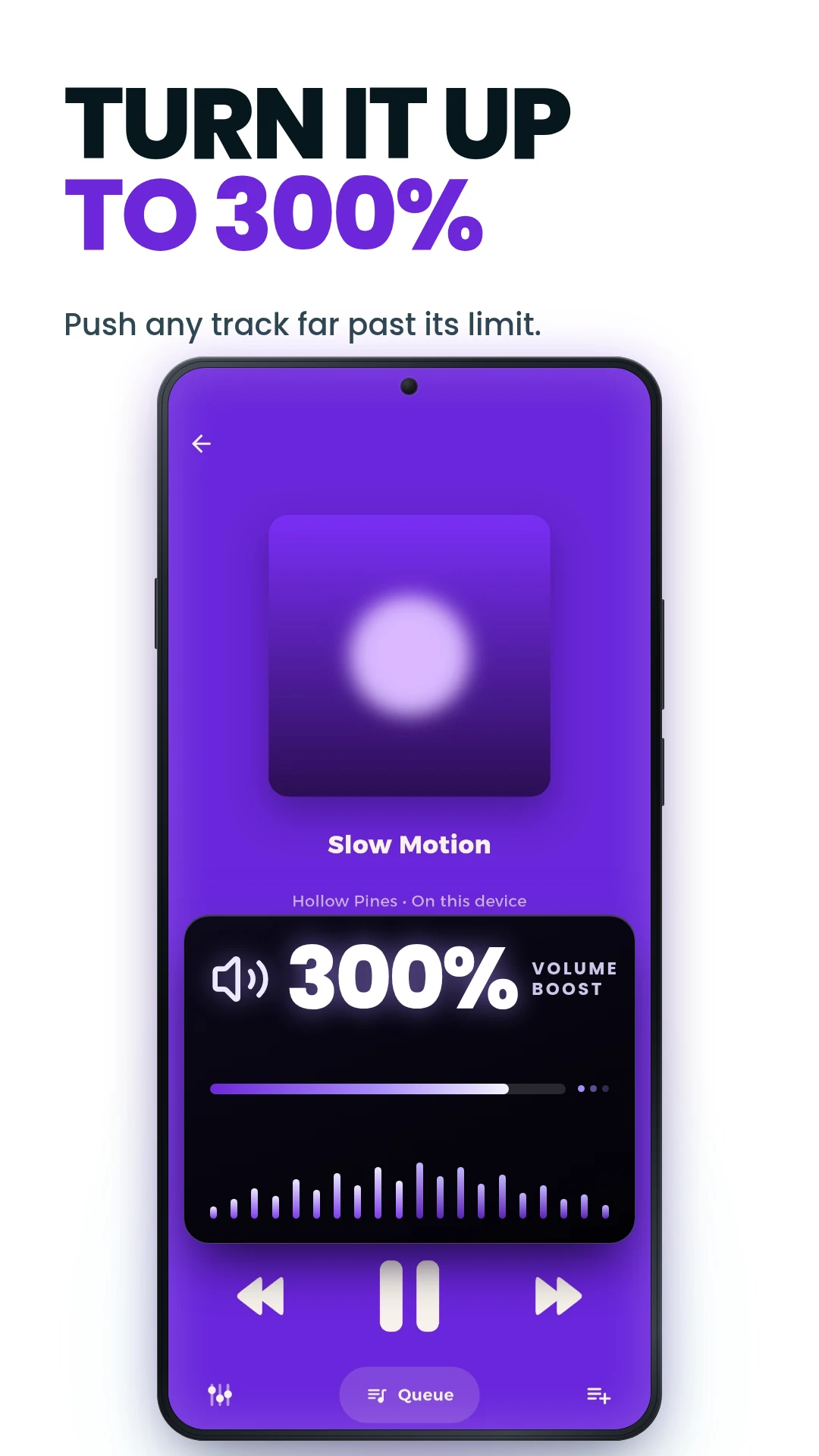
Choose a song layout, switch between light and dark, pick an accent colour, and change how the player looks — and how it sounds. The settings are yours and stay on the device.
Built around your device, not an account
QBox Player does not require an account. It works with the music stored locally on your device, so your listening stays on your phone. See the Privacy Policy for what the app collects and how information is handled.
- No account required
- Works offline
- Local-first music library
- You control your files
Questions
Does QBox Player require an internet connection?
No. QBox Player is built for offline listening — your local music plays without any connection. A connection is only needed to send or receive a QR Drop.
Does QBox Player require an account?
No account, no sign-up. QBox Player is designed around the music already on your device, so you can start listening straight away.
What is a QR Drop?
A Drop is a way to share selected tracks with a friend using a QR code. You pick songs, create a Drop, and share its code — they scan it in QBox Player to receive the music.
Is QBox Player a streaming service?
No. QBox Player is an offline player for music you already have on your device. It does not stream from a catalog or library of songs.
Which devices are supported?
QBox Player is available on Android. Support for additional platforms may come later.
Can I share any music file?
You can share audio you have the right to share. You are responsible for making sure you hold the necessary rights to any content you distribute through a Drop.
How long do Drops remain available?
A Drop stays available for 1 day after it is created, after which it expires.
Get QBox Player
A free offline music player for Android. Available now on Google Play — no account needed.